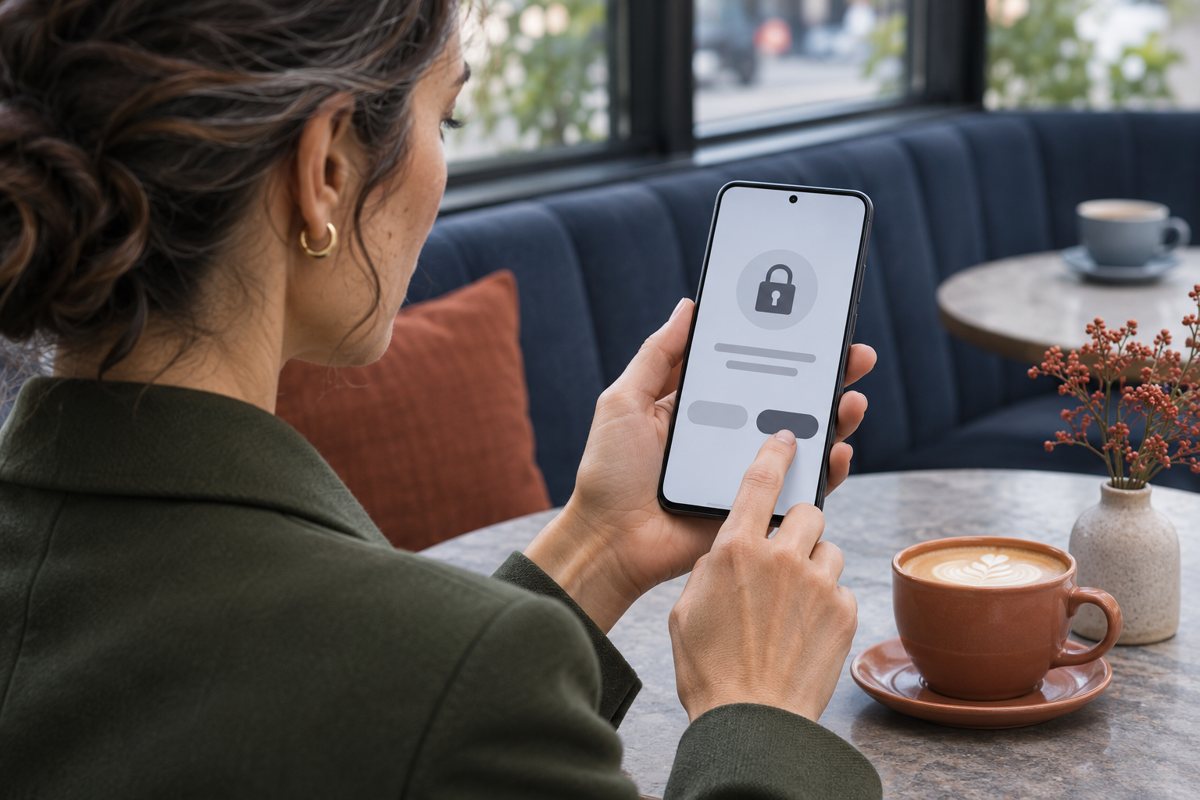
A vibrator app can ask for location because your phone’s operating system treats Bluetooth scanning as potentially revealing where you are. That is especially relevant on older Android phones. The prompt alone does not tell you whether the app records your location or sends it anywhere. Before buying, check the app’s pairing instructions for your phone version and its data disclosures separately.
Read the Prompt in the Context of Your Phone
On Android 11 and earlier, ordinary app-based Bluetooth scanning can require location permission. For instance, We-Vibe’s help page says location services must be enabled to establish a Bluetooth connection on Android 11 or earlier. That explanation is specific to its app and those versions; do not assume it applies to every connected toy.
Android’s Bluetooth documentation describes a separate Nearby devices prompt for Bluetooth permissions in apps targeting Android 12 or later. An app that uses scan results to derive physical location can still request location access. On iPhone, Apple’s privacy guide distinguishes app Bluetooth permission from Location Services. If a manual tells you to enable location, confirm that its instructions apply to the phone and current app you will actually use.
Separate the Pairing Permission From Data Collection
Pairing answers “can my phone find the nearby device?” An internet feature answers a different question: “what does the app send to its service?” A single app may do both. The two paths in the illustration are separate concepts, not a map of any particular model. A local Bluetooth link does not prove the app is offline.
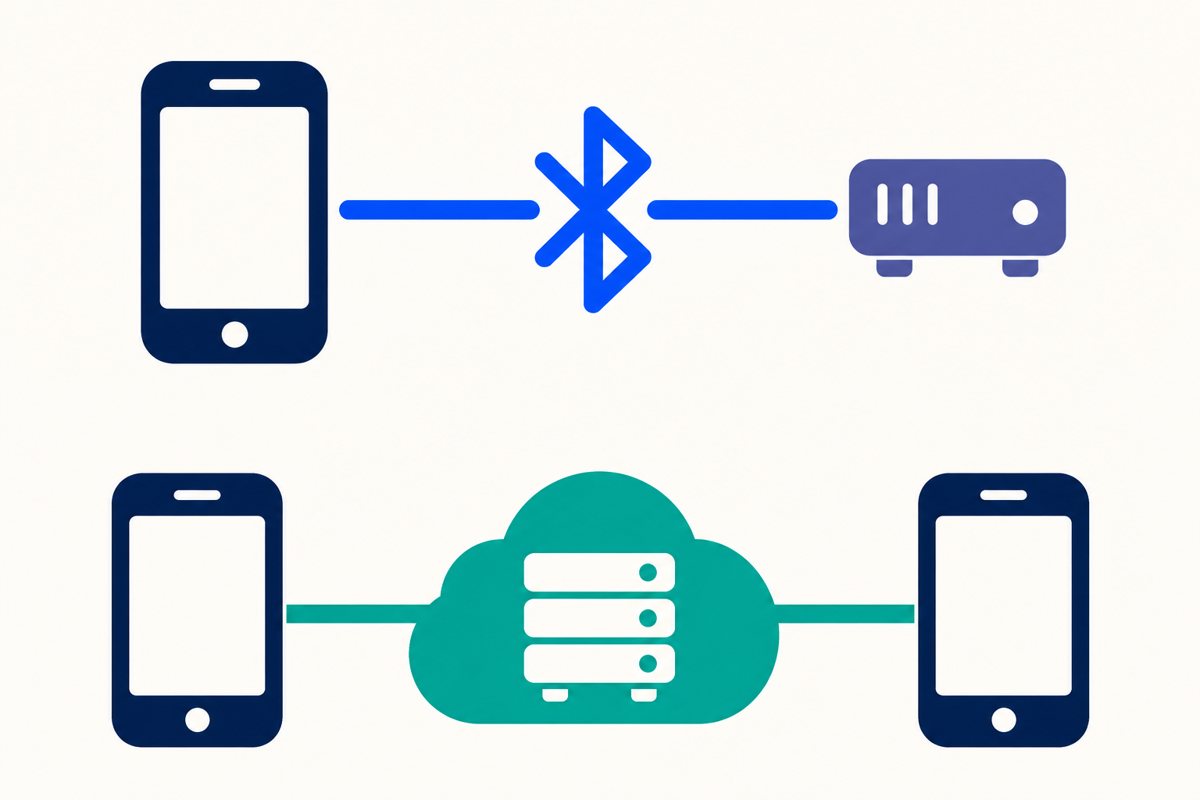
For a concrete distinction, Lovense’s privacy policy says its services can derive an approximate location from an IP address. It separately describes device identifiers, connection logs and session metadata for connected features. Denying a phone’s Location permission is not the same as preventing approximate location from being inferred from an internet connection. Conversely, seeing a Location prompt does not prove that the app uploads GPS coordinates.
Compare the app store’s privacy or Data safety section with the publisher’s policy. Google’s guidance to app developers makes clear that the developer is responsible for the Data safety declaration. Treat the listing as a starting point, not as independent verification of what happens on your phone. Look for which data is tied to an account, whether usage records are retained and how to request deletion if you stop using it.
Buy for the Control You Actually Want
If you want the phone only as a nearby controller, ask whether the exact model can complete first-time setup without an account, whether nearby control works without internet after setup, and which permission is essential for pairing on your operating system. These are three distinct questions. A seller’s “works offline” answer might refer only to use after an initial online sign-in.
If you want control from another location, ask what both people need to install or sign into. Lovense’s FAQ gives one example: it says both people need accounts for its long-distance control, with a working internet connection. That is a documented example, not a category-wide rule. Our guide to remote and app-controlled toys explains the control choices and how to end shared access.
If you do not want a phone involved at all, compare products with documented on-device controls or a separate handheld remote. Do not infer app support from the word “wireless.” For example, the Pulse PL5K92 listing describes a separate controller; that is not evidence of phone control or an app privacy claim.
Keep one practical rule: if the seller cannot explain a permission you would have to grant for the feature you want, treat that as an unanswered buying question. Do not assume a prompt is harmless, or that declining it will leave every feature available.