
Remote controls and phone apps can change how an adult product is operated. They also introduce practical questions about compatibility, access and privacy. Before choosing a connected device, establish what it actually connects to, who can control it and how the person using it can stop it. An impressive feature list is useful only when those basics are clear.
Three Control Types to Tell Apart
The words “wireless,” “remote” and “smart” can describe different arrangements. Read the specifications for the exact model rather than treating them as interchangeable.
- A separate wireless remote: a handheld controller communicates with the device over the supported local wireless connection. It may have a limited operating range and does not, by itself, establish smartphone or internet compatibility.
- Bluetooth phone control: a compatible app connects a nearby phone to the device. The phone needs to remain within the working range of that connection.
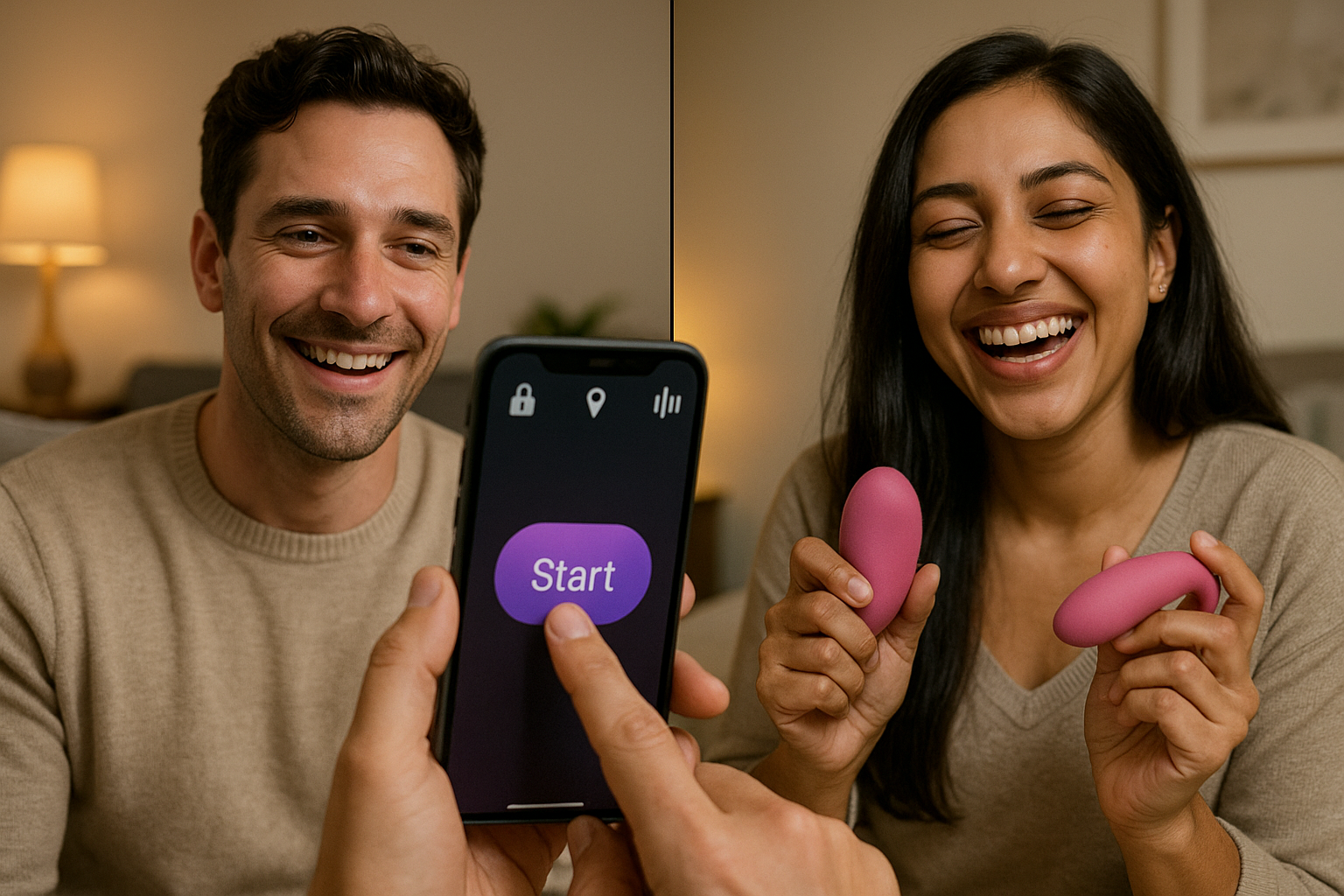
- Internet-enabled partner control: a supported app or service may let an approved person send commands from another location. This requires that specific feature, the necessary connections and compatible equipment at each end.
Bluetooth alone does not mean someone can control a product from another city. Nor is there one reliable range for every Bluetooth device. The Bluetooth SIG explains that effective range depends on hardware and environmental factors, including obstacles. Check the product's own range guidance and test the arrangement privately before relying on it.
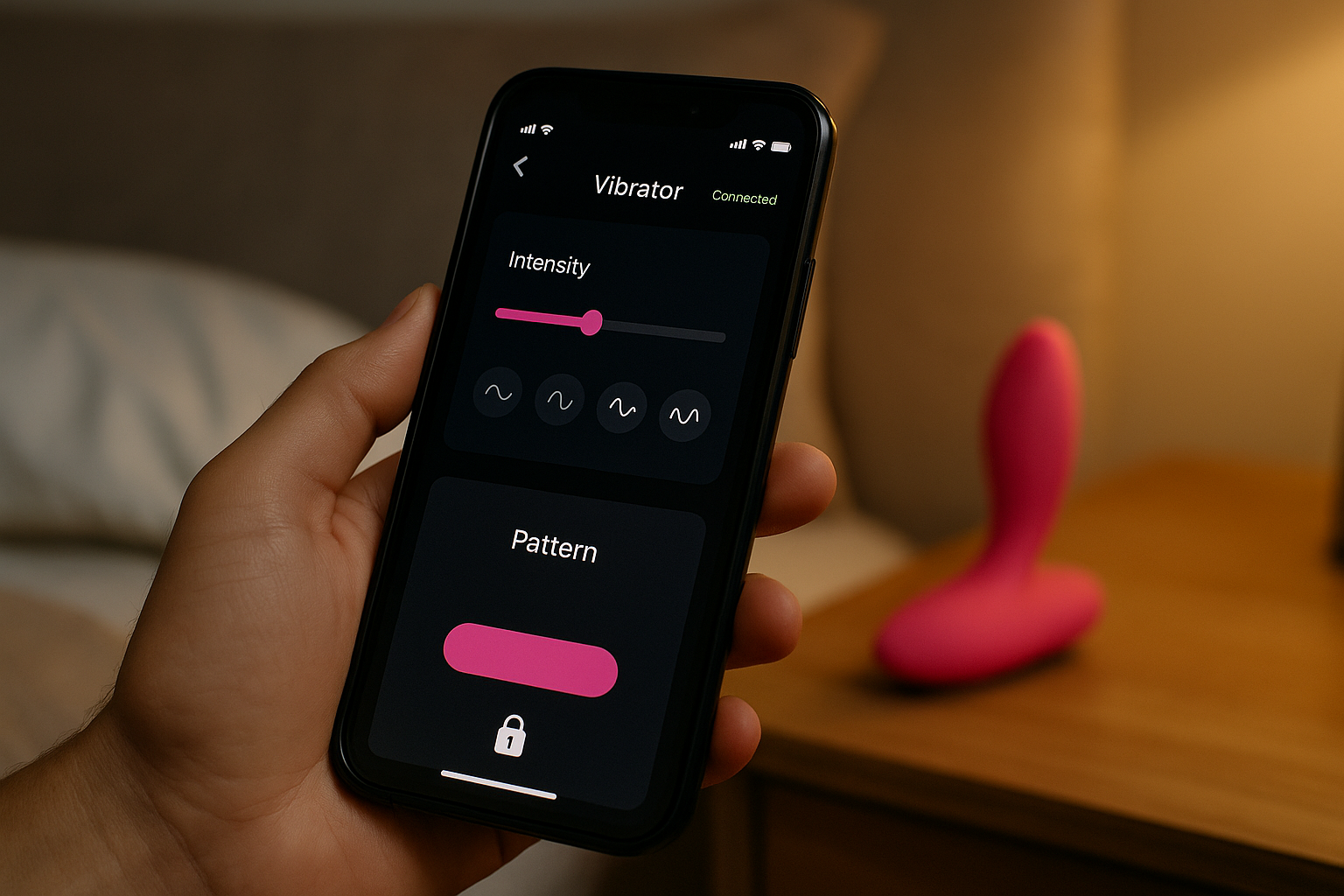
Check Compatibility Before Buying
Find the manufacturer's current app name and supported phone operating systems. Confirm that the exact model appears in the app's compatibility information. Ask whether an account, subscription, additional accessory or paid feature is needed for the function you want. A remote in the box is not evidence that an app is included.
If long-distance control matters, ask how the connection is arranged, whether both people need accounts and what happens when either connection drops. Some features may depend on an online service remaining available. Choose based on documented capabilities that exist now, rather than a prediction about future updates.
This guide discusses connected products as a category. Check each listing in our collection for its own specifications; do not assume an OMIREA product supports Bluetooth, app access or long-distance control because it appears alongside this article.
Agree on Access for Each Session
Sharing control is an optional decision between consenting adults. Discuss who may connect, when access begins, which settings may change and when it ends. A previous invitation or saved connection does not establish permission for a new session. Ask before activating the device, even if the app shows that the other person is online.
The person using the device should know how to switch it off locally and end remote access. Agree on a clear pause or stop signal, and respond immediately. If communication is lost, stop rather than guessing. No one needs to explain or defend a change of mind, and a purchase never creates an obligation to participate.
Read the App's Privacy Information
Buying hardware and using an app can involve different companies and different privacy policies. Identify the app publisher, then review what information it collects, what it shares and the options for deleting an account or stored records. Ask whether settings or activity are kept on the phone, sent to a service or both.
Review permissions in the context of the features you choose. Camera, microphone, location and contact access deserve separate consideration. If a permission seems unrelated to the function you need, check the explanation before granting it. Also consider notification previews, shared devices, linked accounts and any in-app chat or recording features.
Our store privacy policy concerns the store's handling of information. It does not replace a separate app provider's terms. For shopping-related details, see our guide to discreet shipping and privacy.
Use Available Security Controls
Install the manufacturer's official app from its stated source. Keep the app, phone software and device firmware updated as directed. Use a unique account password and multifactor authentication if offered. Protect the phone with its available screen lock, and avoid sharing account credentials as a shortcut to partner access.
The FTC's connected-device guidance recommends checking security features, applying updates and reviewing access controls. These are useful precautions, but no checklist can promise that a device or account is immune to misuse. Look for clear support information and a way to report a problem.
Test Controls and Plan for Disconnection
Before involving anyone else, read the manual and identify the power button, connection controls and any local override. Learn what the device does when the app closes, the phone locks, the battery runs low or the connection is interrupted. Do not assume a lost connection automatically stops the device.
Check charging instructions, battery expectations and whether local controls remain usable without an app. If a connection becomes unreliable or the controls behave unexpectedly, stop and troubleshoot using the manufacturer's instructions. Keep charging accessories dry and follow the exact cleaning limits for the main device and its remote.
Think Beyond the First Setup
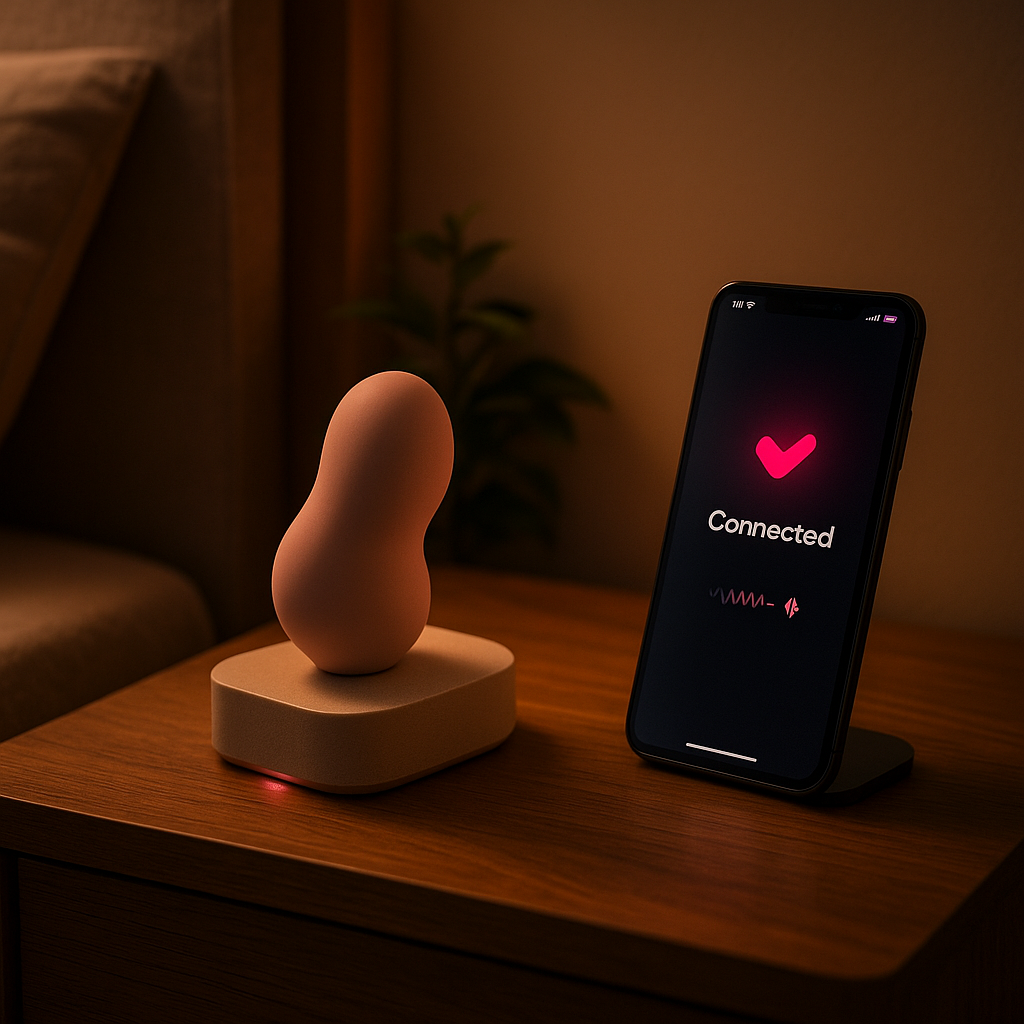
Ask how long the manufacturer plans to support the software and which functions remain if online support ends. The FTC advises checking software-support periods before buying a smart device. Keep that question alongside price, warranty and replacement-accessory availability.
When a shared session ends, close access as agreed. When a connection is no longer wanted, use the app's removal controls and check paired devices and active sessions. Follow the manufacturer's reset and data-removal instructions before transferring or disposing of hardware.
A useful connected product fits your practical needs and leaves you in control of participation. Take time with the first-vibrator checklist and our care guide, and leave any unanswered compatibility or privacy question open until you have a clear answer.