If your vibrator does not respond to its handheld remote, check the device and remote as two separate powered components before trying to pair them again. A charged vibrator does not establish that its remote has power, and a glowing remote light does not prove that the two are connected. Start with the exact model’s instructions rather than a reset sequence copied from another toy.
This guide covers a local handheld remote that you still have. Test the device when it is not being worn or used, on a dry surface and within reach. Identify how to stop it before sending commands. If the device looks damaged or behaves unexpectedly, stop testing and contact its maker.
First, Find Out What Still Responds
If your model has an on-device button, use the manual’s normal start and stop commands. Do not assume every button operates every function. Note whether the device starts, whether its indicator changes and whether it stops as expected.
If nothing responds locally, remote pairing is not yet the most useful place to start. Check the device’s own charging or battery instructions and any documented lock. If it works from its own controls but ignores the remote, you have narrowed the problem to the remote-control path, without proving which component is faulty.
A locked device can resemble a flat battery. Our travel-lock guide explains why the unlock sequence must come from the model’s manual.
Check the Remote’s Own Power Supply
Look up whether the handheld remote is rechargeable or uses a replaceable battery. Its power arrangement may differ from the vibrator’s. Charge rechargeable components only as instructed; for a user-replaceable battery, check the specified type and orientation in the approved compartment. Do not pry open a sealed controller or try to recharge a disposable cell.
Watch for the particular signal the manual describes. No light can mean different things on different remotes; not every controller has an indicator. We-Vibe’s Jive guidance, for example, directs owners to replace the remote battery if its LED is absent or weak. That is a model-specific clue, not a universal fault code.
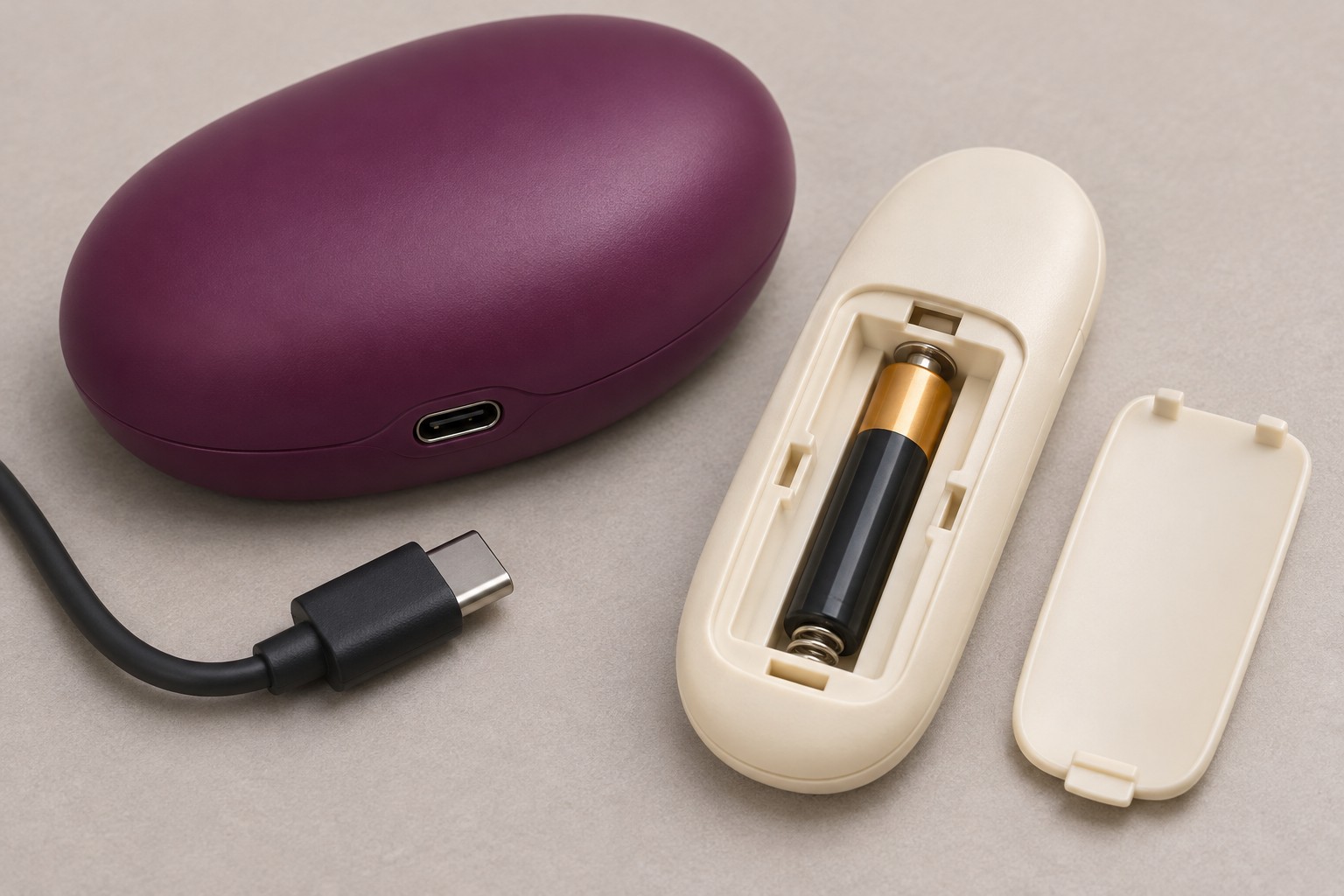
The two power arrangements shown above are examples, not specifications for your set. The useful distinction is that replenishing power on one side does not check the other.
Make One Controlled Pairing Attempt
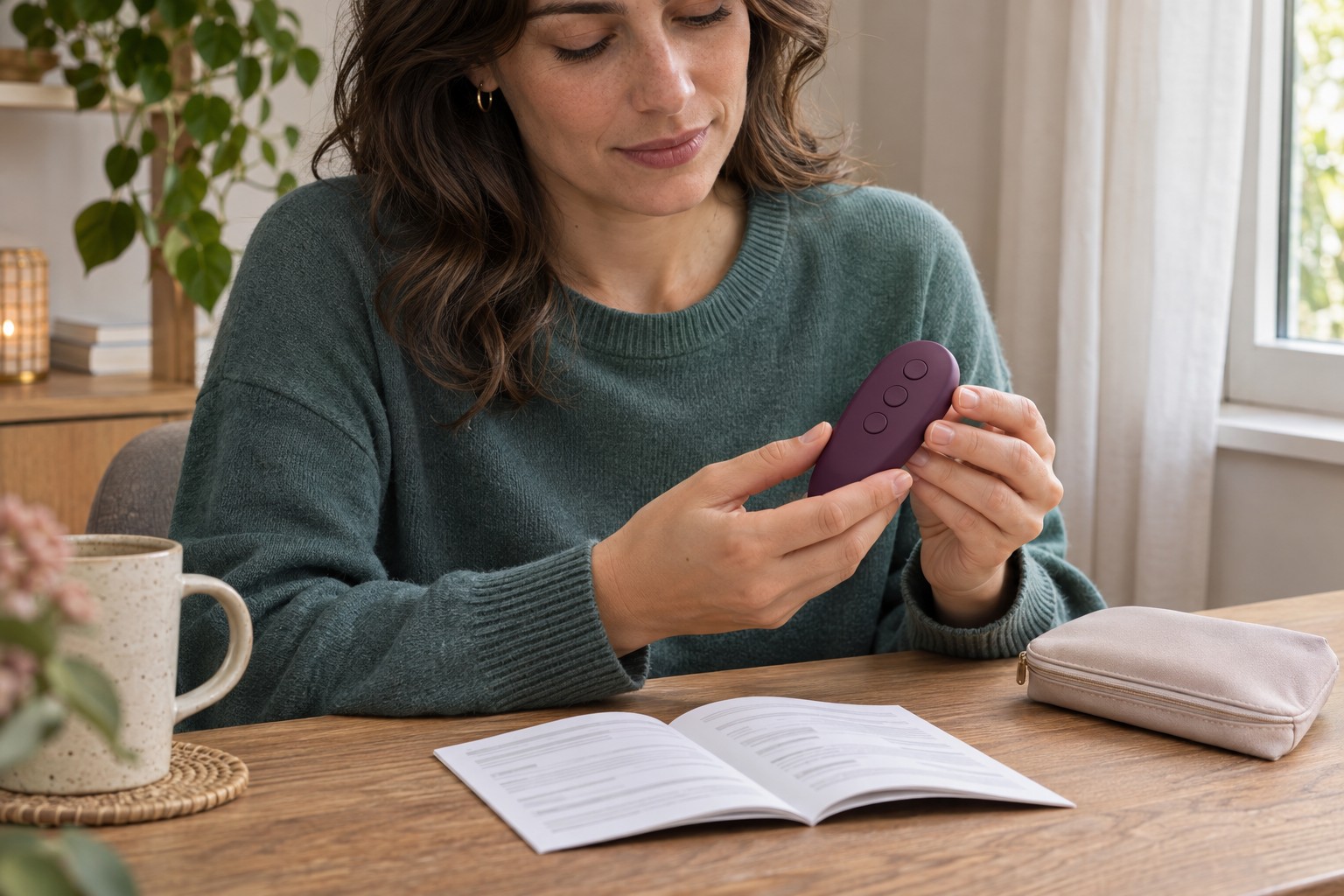
Bring the remote close to the device, with a clear path between them, and follow the pairing procedure for your exact model and remote version. Start nearby before testing distance; a close-range result is easier to interpret than a failed command from across a room.
Check whether another controller must disconnect first. We-Vibe’s Jive and Sync instructions describe models that connect to only one remote or app-enabled device at a time. For those models, an existing phone connection can interfere with pairing the handheld remote. Do not assume that restriction applies to every brand, or delete unrelated phone settings.
Then follow the documented button sequence once and look for the stated confirmation. A flashing light can mean pairing is still in progress rather than complete. Even remotes sold for the same product family may have different buttons. Avoid trying a succession of guessed long presses: you will lose track of which state the device is in.
The manufacturer’s Jive connectivity instructions illustrate why remote version, connection state and confirmation signal all belong in the same check.
Read the Result Without Guessing the Fault
Suppose the device starts from its own button, but the remote’s normally visible indicator is now weak. That observation makes the remote’s documented battery check a sensible next step. If the remote lights normally but the device never gives its pairing confirmation, power alone has not established a connection. If pairing is confirmed and nearby commands work but distant ones fail, record the distance and obstacles rather than immediately buying another remote.
These are ways to organize observations, not diagnoses. A normal light cannot certify that every electronic component works, and one successful command does not establish reliable operation throughout a session.
Product listings can help you identify the control arrangement, but they are not a substitute for the manual. For example, the OMIREA Abyss AB5R82 listing documents a wireless remote and a button on the base. That establishes where controls are located; it does not supply a universal pairing sequence or prove that every function works independently.
If It Still Will Not Connect
Send the manufacturer or original retailer the exact model and remote version, what happens using the on-device controls, how each component is powered, the indicator or vibration sequence you observed and the pairing steps already tried. Say whether close-range commands ever worked and whether an app was connected. This is more useful than reporting only “the remote is broken.”
Before ordering a replacement, use our lost or replacement remote guide to check compatibility and the information a seller needs. A matching shape or button count is not enough.
If the handheld remote works but phone or partner control does not, switch to the remote and app-control guide. That is a different connection problem and deserves a separate check.