If gripping or pressing small buttons is difficult, choose a vibrator by the actions you need to perform, not by an “accessible” label alone. Check whether you can position it, change a setting, stop it, and complete charging and cleaning in the way you prefer. A hands-free design may still need hands-on setup.
This guide is for adult women comparing practical access needs, whether those needs are temporary, longstanding or simply a preference for less fiddly controls. It is a buying checklist, not a medical recommendation or a tested ranking of products.
Start With the Task That Gets in Your Way
Write down the specific difficulty before choosing a shape: holding a narrow object, reaching a control, keeping a button pressed, remembering a sequence, or connecting a small cable. Those are different problems. A solution to one should not create another.
Age UK's guide to sex and intimacy identifies easy-grip handles and remote controls as features to consider when dexterity is an issue. That is a useful starting point, not an endorsement of every product carrying those descriptions.
| Your Main Difficulty | What to Request Before Buying | What Still Needs Checking |
|---|---|---|
| Holding the device | Weight, handle measurements and clear views of the grip | Can you keep a useful hold while reaching the controls? |
| Repeated button presses | The exact sequence for increasing and decreasing intensity | Does reducing intensity require cycling through other settings? |
| Holding a button down | The press duration for power, stopping and unlocking | Can you perform the longest required action reliably? |
| Reaching the device | Documented remote or app support and local controls | Can you set it up and stop it without an unavailable helper? |
| Small connectors or covers | A view of charging contacts or battery access | Can you complete the power routine, not just turn it on? |
Judge the Grip and the Buttons Together
A useful handle is not just one you can pick up. Look at where your fingers would rest and where the buttons sit in that same position. A control on the opposite face may mean rotating the device; closely grouped buttons may demand more precise targeting. Photographs can help you form questions, but cannot tell you the force required to press a button.
RNIB's general product-design guidance considers handling, control location, operating pressure, instructions, cleaning and battery access. It also warns that design guidelines do not replace expert assessment and user testing. Applied here, that means asking about the whole routine rather than treating a large button as proof of accessibility.
Request weight in grams and the actual dimensions if these are missing. There is no weight limit in this checklist that separates an accessible vibrator from an inaccessible one. What you can hold, how you prefer to hold it and whether you need to change position all matter. A compact model is not automatically easier to grip.
Enhance the UK describes reviewing packaging, charging, instructions and use when co-developing its Quest range. That first-party design account illustrates why access is more than a handle shape; it is not independent proof that a particular product will work for you.
Ask for the Control Sequence, Not Just the Mode Count
“One-button control” tells you how many buttons there are, not how many actions the device requires. Before ordering, ask for the manual or a demonstration that answers four questions:
- How does it start, and what setting does it start on?
- How do you lower the intensity without increasing it first?
- How do you stop every active function?
- Does unlocking require a long press or pressing two buttons together?
If a setting takes several taps to reach, count those taps. If the device has multiple functions, check whether one stop action stops them all. A product with fewer features but a clear control sequence may suit your priorities better than a longer mode list.
For the difference between patterns and intensity, see our guide to checking vibrator controls. A separate travel-lock guide explains why an unlock shortcut should never be guessed from another model.
A concrete example is the FUN FACTORY VOLTA manual: it specifies a half-second hold to start and a click to stop, while unlocking involves two buttons together. Those are different hand actions within one device. These instructions belong to that model and manual, not to all vibrators.
Hands-Free Use Still Has a Setup Stage
Treat “hands-free” as a description of one stage, not the entire experience. A wearable design still has to be positioned and removed according to its instructions. A remote still has to be held or placed somewhere reachable. A phone-controlled option still has to be connected and operated.
Before choosing an app, check the required phone and software, the steps to connect, and what happens when the connection is lost. Decide whether using a screen is actually easier for you than using physical buttons. Keep a documented way to stop the device within reach; do not assume that closing an app turns it off.
If you want another person to help, decide which tasks you want help with and which you want to control yourself. Assistance is an option, not a requirement that should be hidden in a product recommendation.
Include Charging and Cleaning in Your Comparison
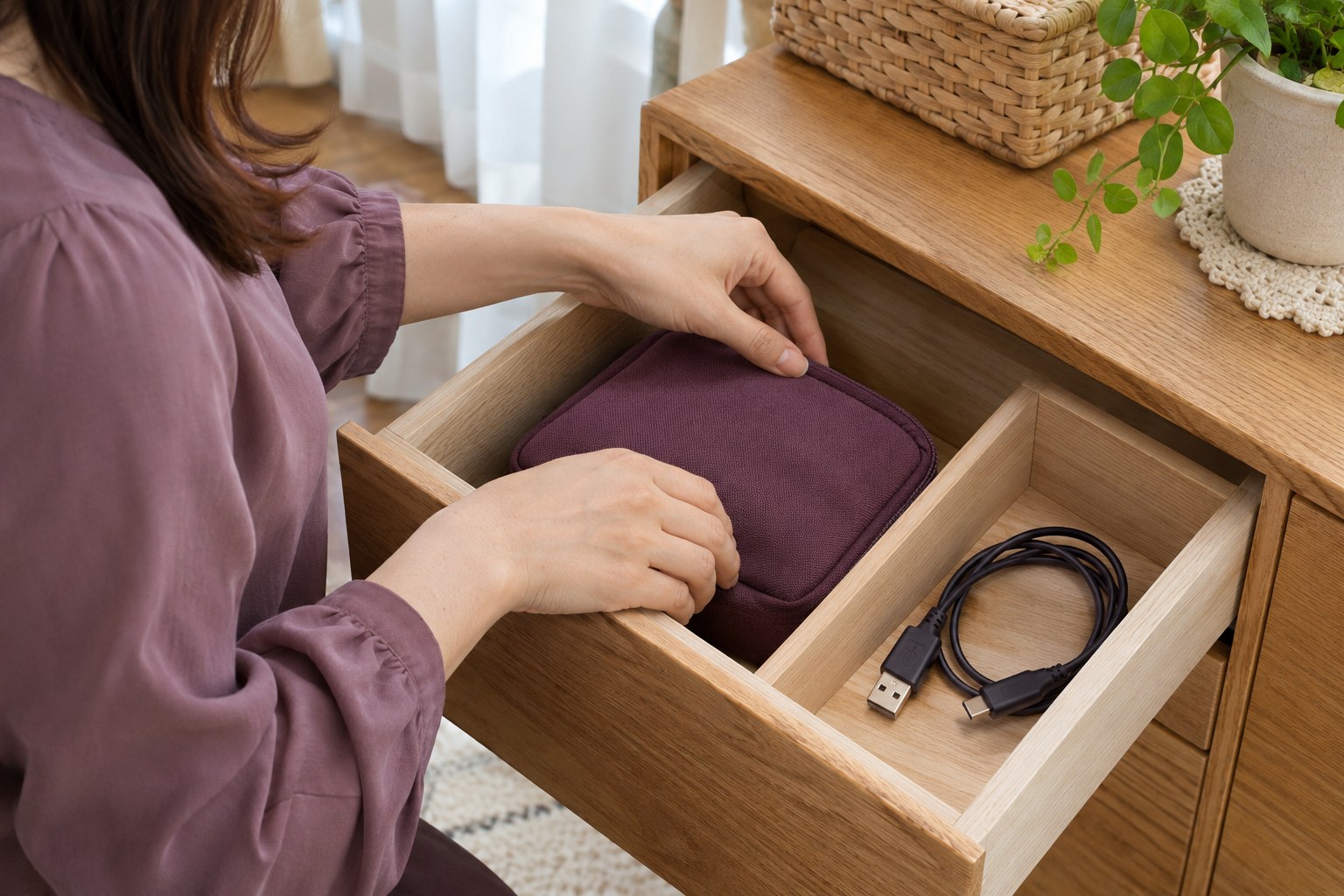
Ask to see the connector and any battery cover, not just the front of the device. A charging label does not show whether aligning contacts, opening a cover or unplugging a cable will work for you. Likewise, check whether cleaning requires removing small parts and whether you can dry and reassemble them as directed.
Follow the exact model's care instructions; our cleaning and storage guide explains the separate checks for water exposure, accessories and drying. Do not modify the casing, controls or charger to make a difficult routine work.
Turn a Listing Into a Clear Decision
Use three labels for each important task: documented, needs an answer, or does not suit me. A missing specification is not a pass. If the seller cannot clarify an essential action, choose a better-documented option rather than relying on an ergonomic claim.
For example, the OMIREA Whisper WS9T64 listing documents two on-body buttons and nine vibration modes. Those facts do not establish button force, an easy grip or suitability for limited hand mobility. Use them to begin the questions above, not as an accessibility recommendation.
Before opening a delivered product, confirm the model and review its return conditions. Then, as the instructions permit, familiarize yourself with starting, adjusting and stopping it before intimate use. If the controls or setup do not work for you, that is a design mismatch, not something you need to push through.