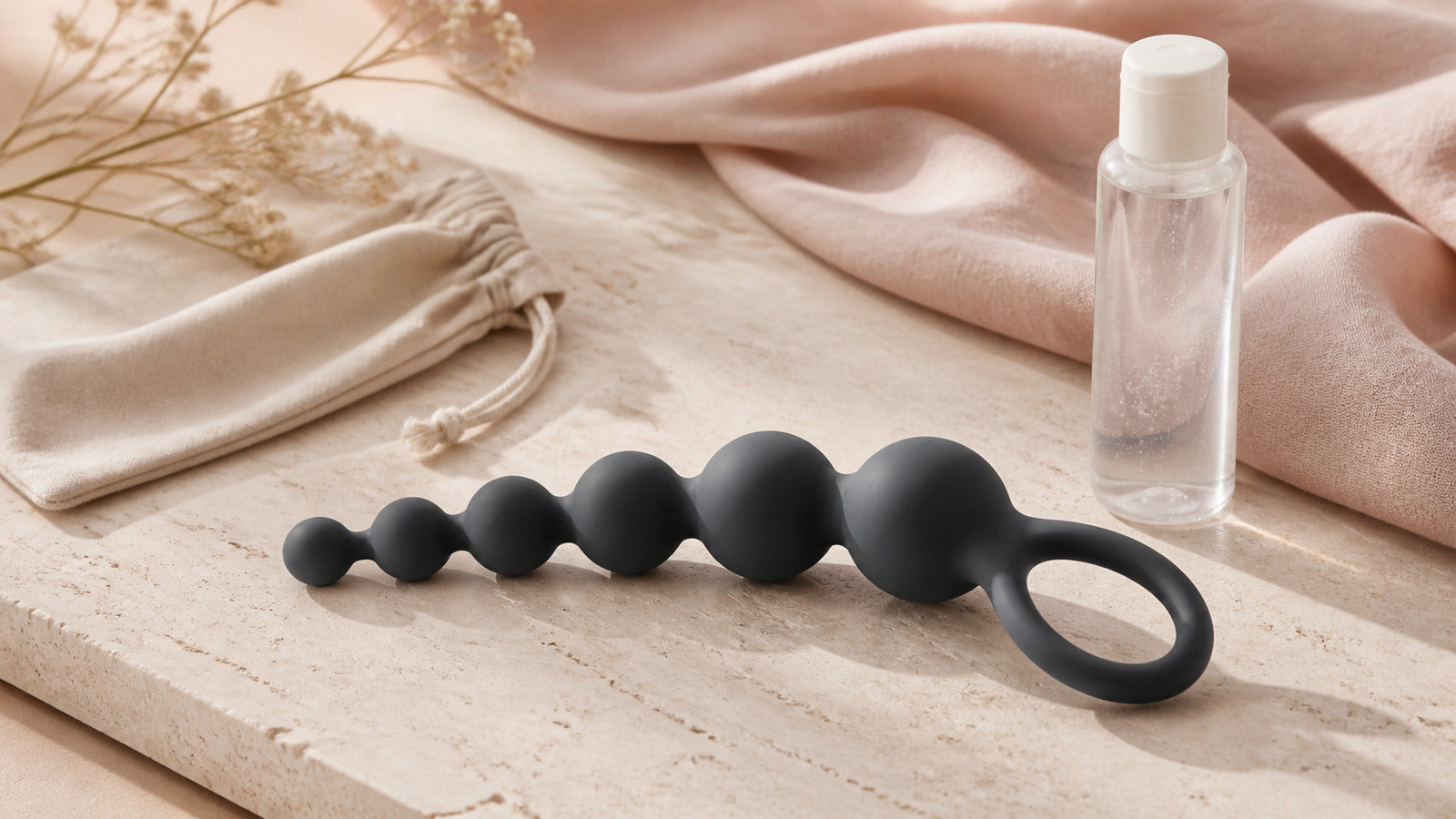
Long-distance adult toys can let consenting partners share control of a compatible device over the internet. Before comparing products, separate three different features: a nearby wireless remote, a Bluetooth connection to a phone, and an internet-enabled partner-control service. Only the last one establishes long-distance capability, and it still depends on the exact device, app, accounts and connections.
This guide compares five functional categories, with practical questions about fit, controls, compatibility and privacy. A connected device is an optional part of a relationship, not a promise of closeness or a replacement for communication. Choose by the user's preferences and intended anatomy rather than labels such as “for him” or “for her.”
How Long-Distance Control Actually Works
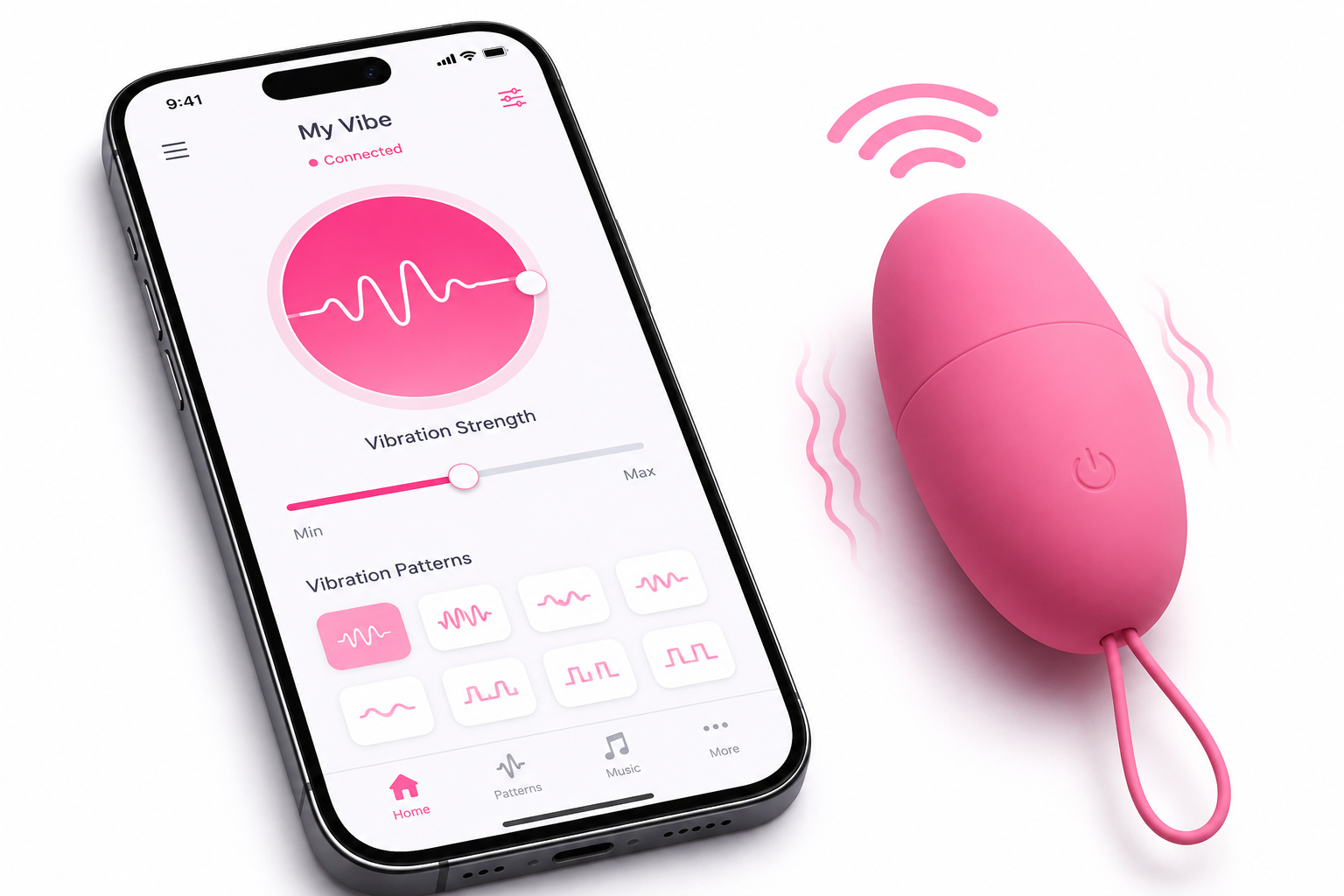
In a common setup, the toy connects by Bluetooth to the nearby user's phone. The phone connects to an internet service, through which a partner can send commands from another location. Bluetooth itself does not span cities or countries. A toy advertised as “wireless” or “remote-controlled” may offer only local control.
Lovense's official connectivity explanation describes this Bluetooth-to-phone and phone-to-internet arrangement. We-Vibe's app guide likewise distinguishes direct toy control from its long-distance partner feature. These examples explain the connection model; they do not establish compatibility for other brands or every device in either range.
Before buying, check the exact model and app, supported phone operating systems, regional app availability, account requirements and any feature charges. Both people should be able to install and use the required service. Walls, distance from the phone, battery state, software settings and internet conditions can interrupt the connection. No “unlimited range” phrase guarantees reliable operation in every location.
1. App-Controlled Wearable and External Vibrators
This category includes some insertable wearable designs and some external devices held in place by clothing or a dedicated attachment. These are different intended uses. An external-only device must remain external, and a wearable label does not establish that a device will fit comfortably or securely for every person.
Compare the manufacturer's dimensions, contact surface, attachment method, accessible buttons and removal instructions. Consider whether the user can adjust or stop the device without finding their phone. Check whether the partner can control every setting or only selected functions, and whether those permissions can be revoked immediately.
Noise, fit and connection quality vary. Avoid treating “discreet,” a product photograph or a review as a guarantee. Keep use in a private setting with consenting adults; a wearable design is not permission to involve unaware bystanders. Follow the exact product's duration, cleaning, water-exposure and lubricant directions.
2. Couples' Vibrators with Optional Partner Control
Some products described as couples' vibrators support both local use and internet-based partner control. Others have only an included physical remote. The word “couples” describes a proposed use, not a connectivity standard, universal fit or a requirement that both partners use the product in the same way.
For a product that supports several control methods, read how the device switches between its buttons, physical remote and app. A short-range remote cannot ordinarily control a toy in another city. An app feature may require pairing and a separate invitation before a partner can connect.
Compare the intended contact areas, adjustment range, materials and reachable controls. Do not assume that a flexible shape suits everyone, that stronger settings are better, or that a premium price certifies body safety. A device should remain optional each time; agreement to buy it does not establish consent to a later session.
3. App-Controlled Sleeves and Strokers
Connected sleeves and strokers differ substantially in construction. Depending on the model, a device may offer vibration, pressure changes or motorized movement. Those functions are not interchangeable, and the presence of an app does not prove that a remote partner can control each one.
Review the exact supported functions, fitting range, operating limits and physical stop mechanism. For motorized products, check the manufacturer's guidance on positioning and keeping moving parts clear. The person using the device needs immediate local control even when a partner is connected.
Cleaning can be more involved than the exterior suggests. Confirm which parts are removable, which can contact water, how internal surfaces dry, and when a sleeve needs replacement. Include replacement parts and any paid app features in the total cost. Do not assume that a waterproof-looking case means the whole assembly can be submerged.
4. Interactive Device Pairs
Some connected systems offer paired-device modes. Before buying two products, distinguish a partner sending commands, one input changing two devices, and a supported two-way synchronization mode. These are different capabilities; “interactive” or “sync” alone does not explain which is included.
Look for an official compatibility list naming both exact models and the required app version. Ask what information is transmitted, which direction it travels, what each device does in response, and whether both people can pause independently. Do not infer cross-brand compatibility or motion sensing from two products being sold together.
Synchronization can be affected by connection delays or service interruptions. A control animation is not proof that the other device received a command. Test the setup off the body, keep ordinary communication available and agree to stop when feedback becomes unclear. A paired set should also have a useful local mode if that matters to your purchase.
5. Remote-Controlled Anal Toys
Some anal plugs and prostate-focused devices include app-based partner control. Evaluate intended use and physical design before the wireless feature. Check the current model instructions, dimensions and a secure external base or retrieval feature designed to remain outside the body. A remotely adjustable setting does not make a product suitable for every person.
The user must be able to stop and remove the device locally without waiting for a partner or an internet connection. Follow the model's lubricant, cleaning and wear guidance; do not assume that a product category or a marketing claim establishes a universal safe wearing time. Stop for pain, bleeding, loss of retrieval control or uncertainty, and seek medical help for a retained object rather than trying improvised extraction.
Our butt-plug selection guide explains the physical checks, while the lubricant compatibility guide covers the separate toy and barrier decisions. Connectivity never replaces those checks.
Consent Includes Control Permissions
Before a remote session, agree on whether to begin, permitted functions and settings, how to request a pause, and what happens if a call or connection drops. Consent is specific and revocable. Sending an invitation or sharing an account connection does not authorize surprise activation later.
- The person using the device keeps access to its local stop control and knows how to remove it.
- Either person can stop without explaining or negotiating first.
- Keep a separate, reliable way to communicate. Silence or a frozen video image is not consent.
- Pause when feedback is delayed, contradictory or missing. Reconnect only after both people agree.
- End or revoke partner access after use when continuing access is not wanted.
Privacy Is Part of the Product
A connected toy also involves software and, often, a service account. Read the current privacy policy before creating an account. Look for what device, usage, contact or message data is collected; whether features record or retain content; how deletion works; and whether optional permissions are actually necessary for the function you want.
Use a unique account password and available security protections. Keep the app, phone and device firmware updated through the manufacturer's official route. Review linked partners and control permissions periodically, particularly after a relationship or device change. Never share a password when the app provides a dedicated partner invitation.
Do not infer end-to-end encryption, anonymity or comprehensive privacy from a lock icon or a generic “secure” label. Check the scope of the manufacturer's current documentation, including whether an assurance covers chat, device commands or account data. Discuss screenshots, recording and sharing separately; agreement to device control does not include permission to record.
Test the Connection Before Body Contact
- Prepare both sides. Charge the devices and phones, read the instructions and confirm the correct app and supported versions.
- Pair locally. Follow the manufacturer's procedure while the device is off the body. Confirm local start, adjustment and stop controls.
- Invite the intended partner. Check that the correct account receives access and that both people understand its scope.
- Test remote commands. Confirm that a simple setting change arrives and that the local user can override or stop it.
- Check loss of connection. With the device still off the body, confirm the documented behavior when a connection ends. Do not assume disconnection automatically stops every product.
- Agree before resuming. If pairing or feedback remains unreliable, postpone remote use and choose a local option only if wanted and supported.
Choose the Smallest Setup That Meets Your Needs
One compatible device may be enough when one person wants optional partner control. Two devices make sense only when both people want them and the specific interaction is documented. Compare the whole setup: fit, local controls, app availability, account access, cleaning, replacement parts, support and expected cost.
This is a category guide, not a claim that OMIREA's current collection supports internet control or paired-device synchronization. Verify any such feature on the exact current product page and in its manual. Our remote-control product guide provides further questions to ask before buying.
The most useful connected product is one both people actively want, can operate independently and can stop without hesitation. Reliable communication and respect for a changed mind matter more than the number of app features.